There are no items in your cart
Add More
Add More
| Item Details | Price | ||
|---|---|---|---|

Jumpstart Your Career in UI Design with our Mobile App UI Design Course. We recently added AI tools tutorials for UI designing.
Instructor: Sunil Kumar12 features of this course, making it unique!

32+ pre-recorded powerful videos for basic to advance level learning.
Watch videos and practice through practice files for better learning.
Weekly live doubt-clearing sessions and mini-workshops.
Complete assignments and get my personal reviews.

Learn all basics and advanced level skills through an App project.
Other than videos, learn through quality mini articles too.
The practical method is the only way to become an expert.
Download various kits for practice or your clients.

Connect with a community of designers and learn together.
Chat support is not enough? Let's join live doubt-clearing sessions.
Stuck somewhere? I am just a message away to help you.
Starting meetups in your city soon, stay tuned.
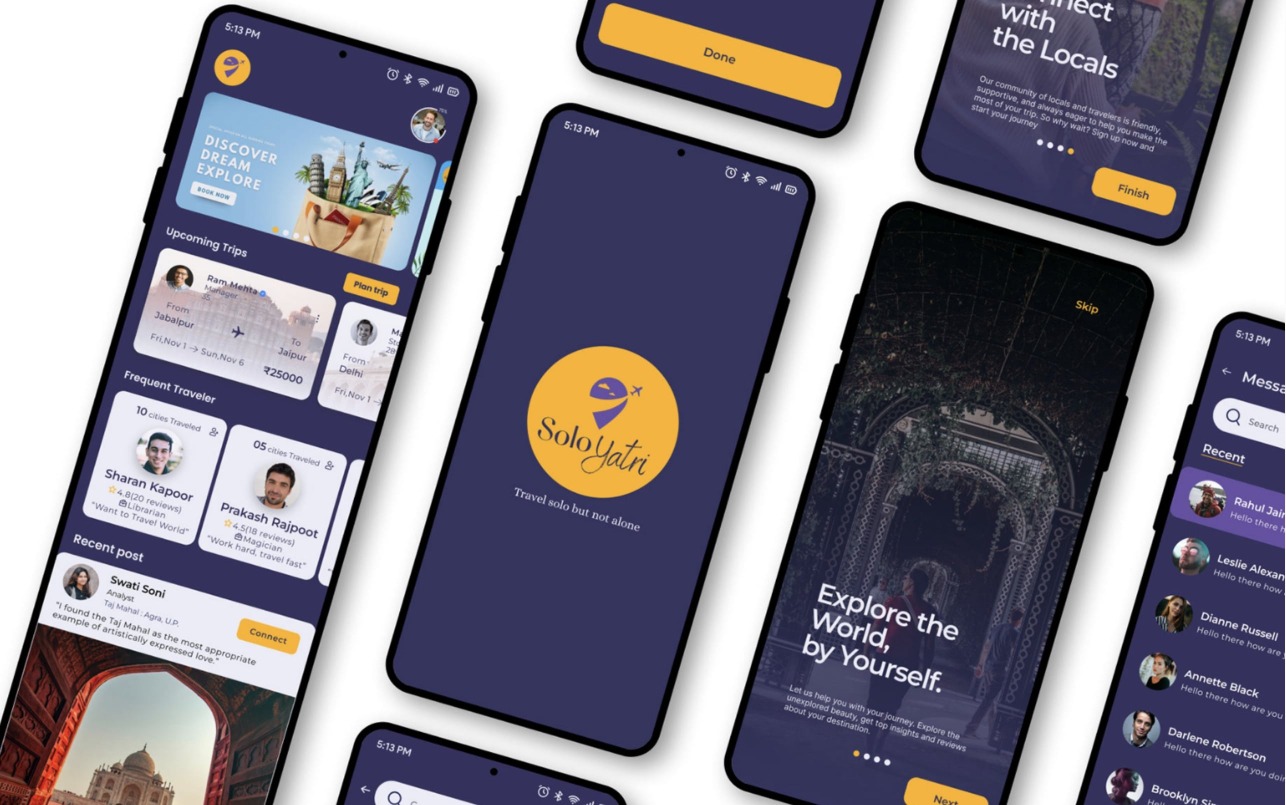
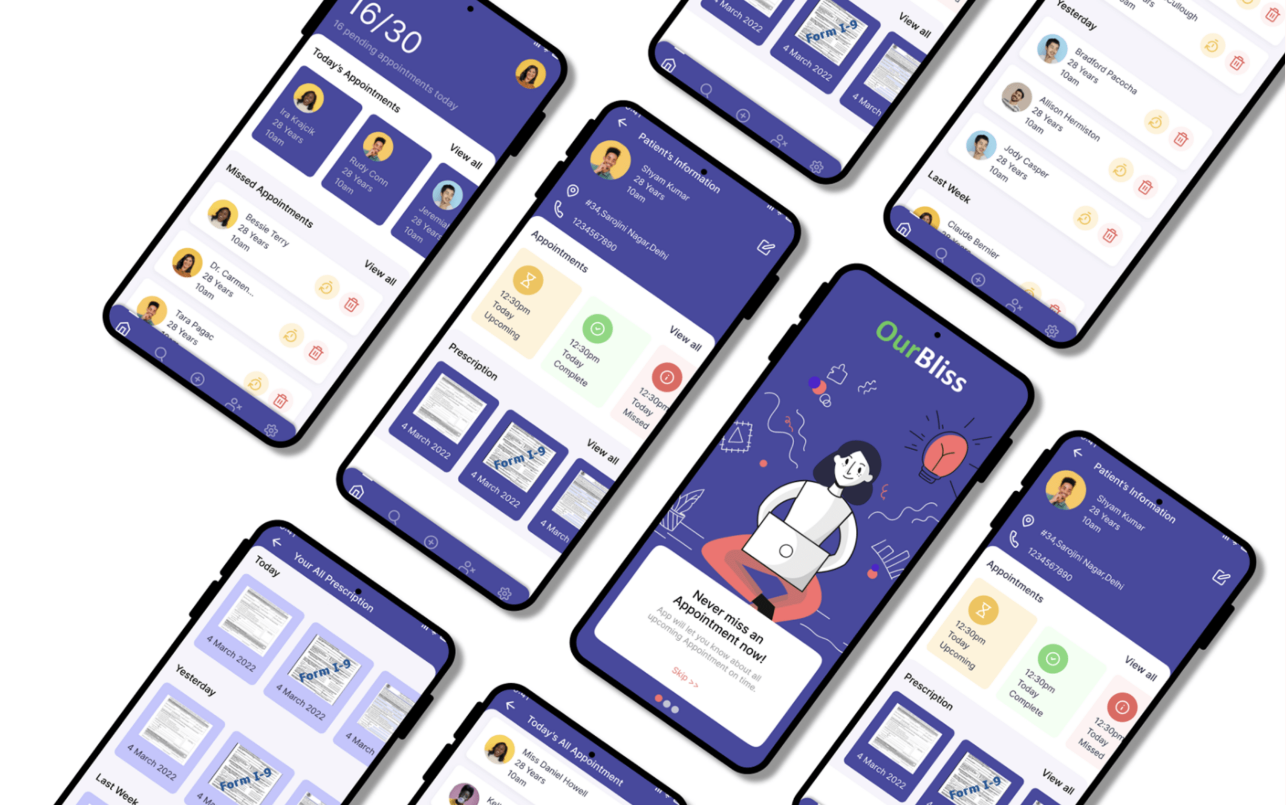
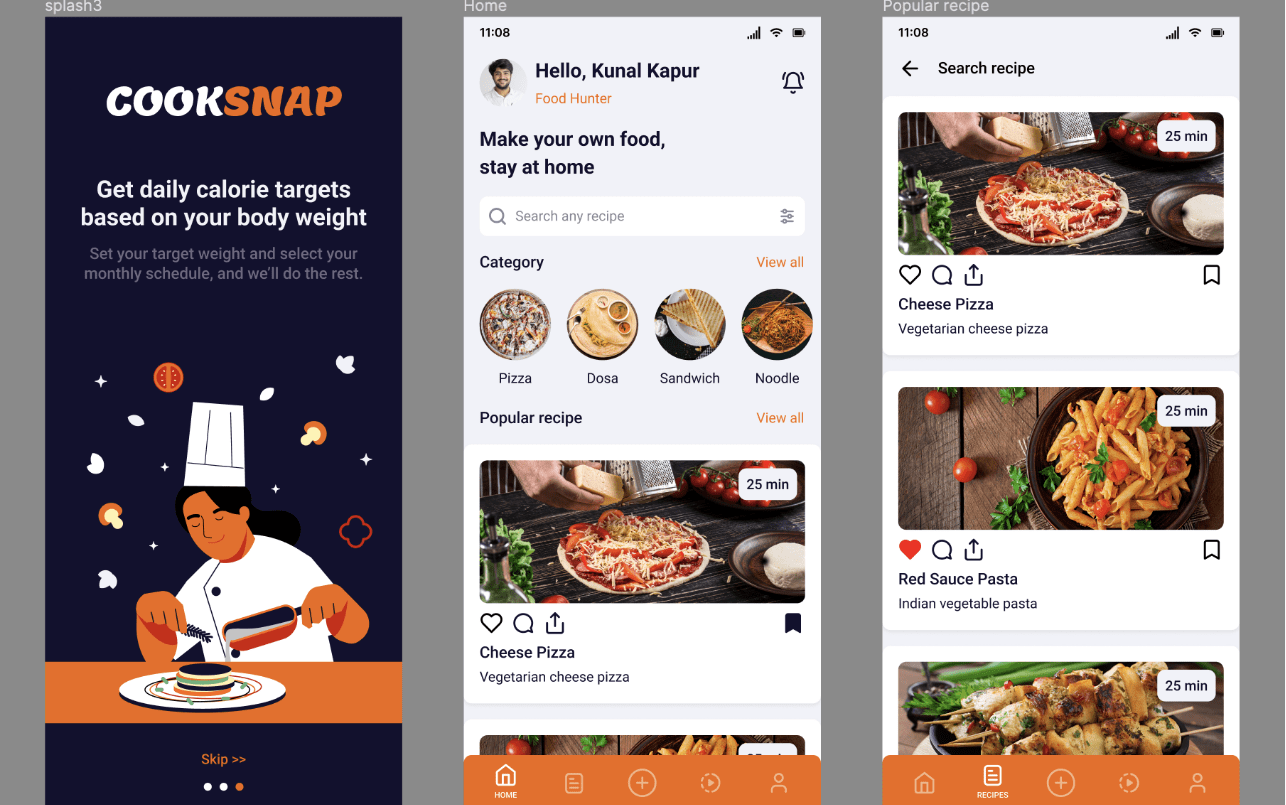
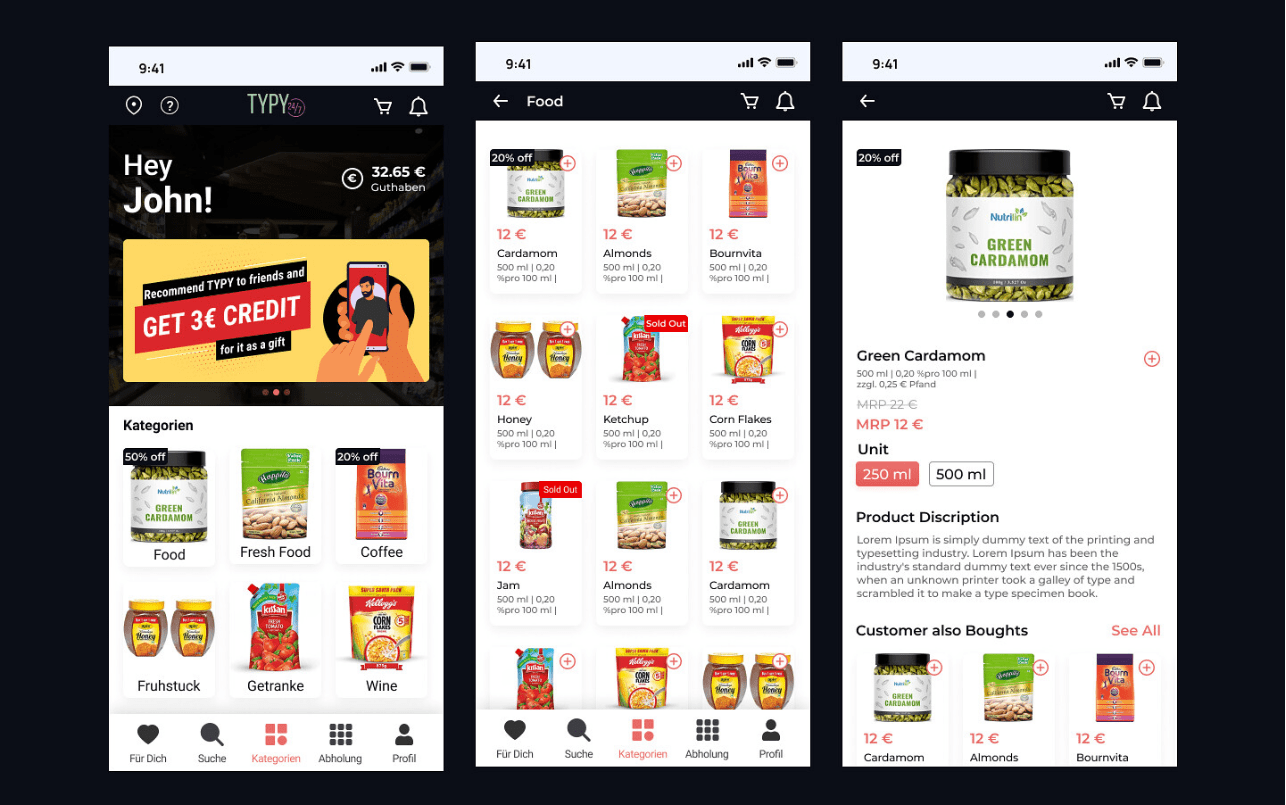
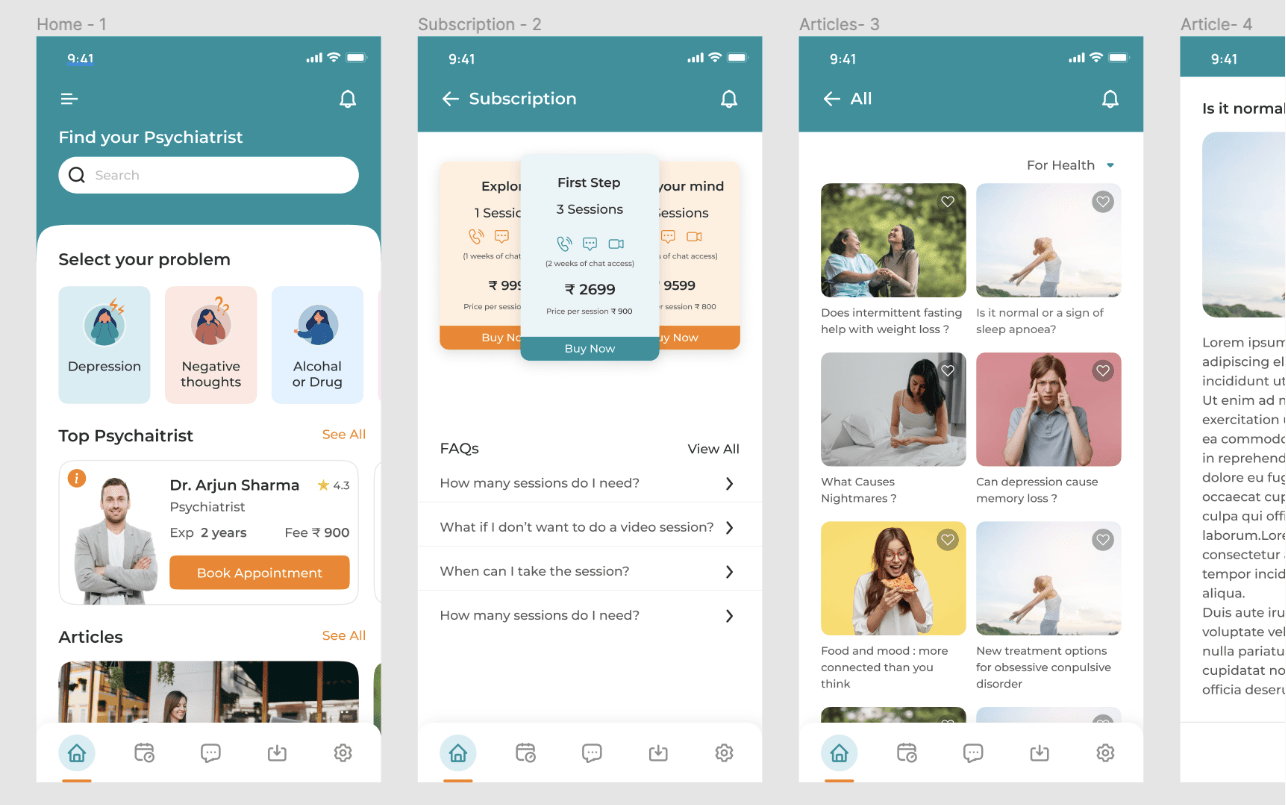
Discover the 9 phases you follow in this course (course screenshots below)
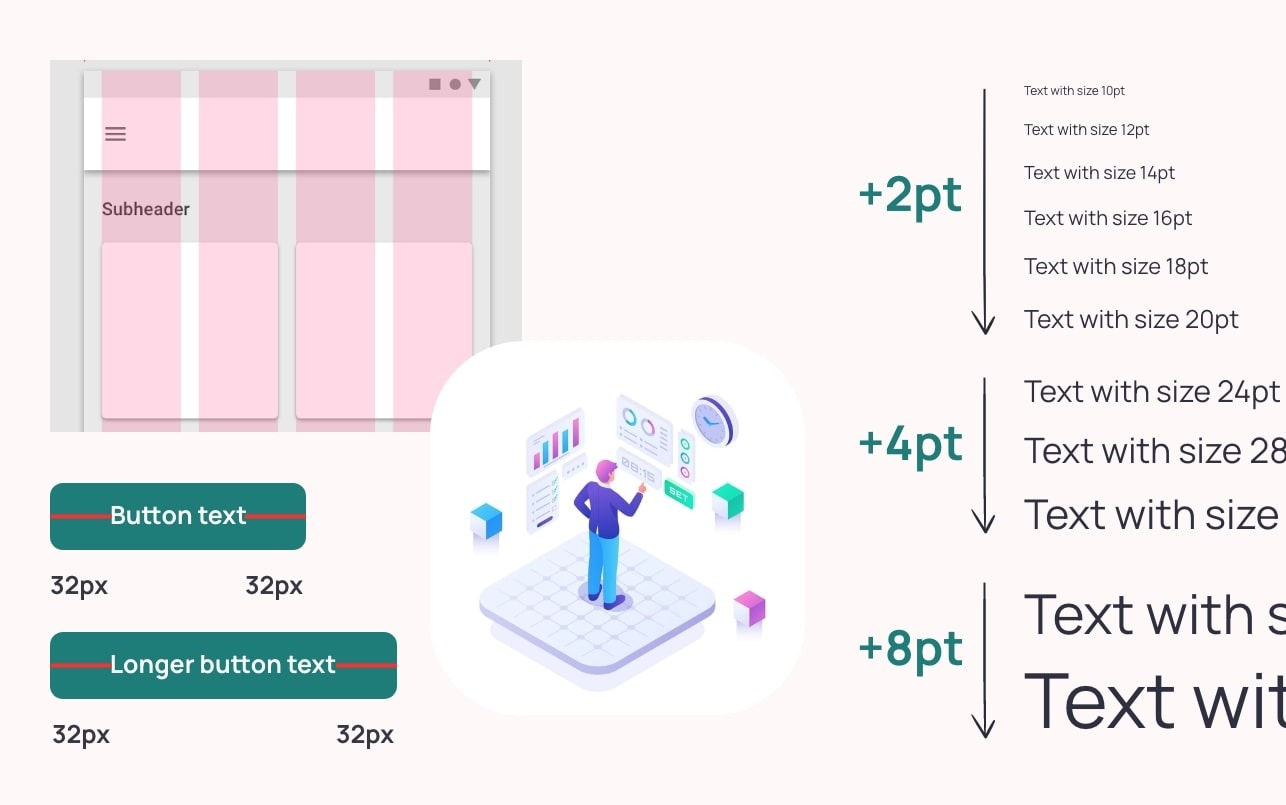
1. Understanding all the basics and fundamentals of UI designing like a pro
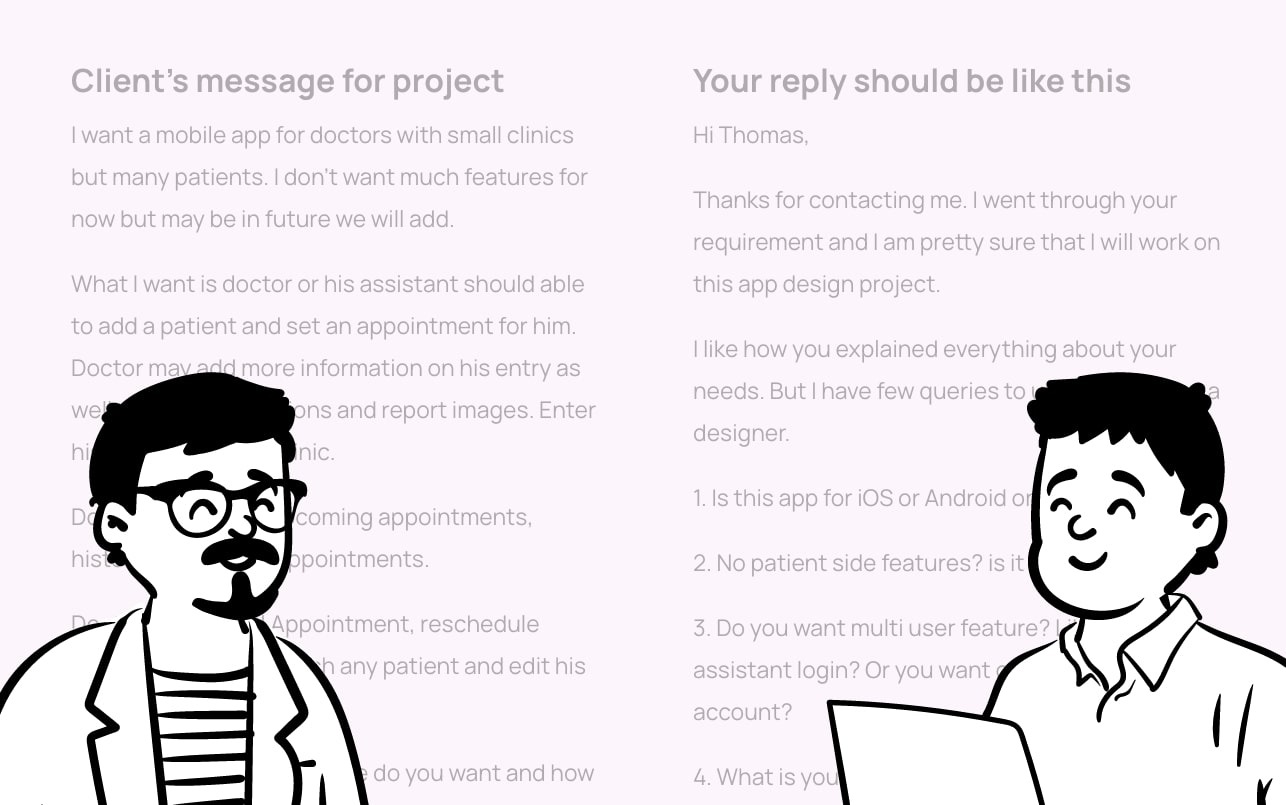
2. Dealing with clients, communication tips, and fixing the budget
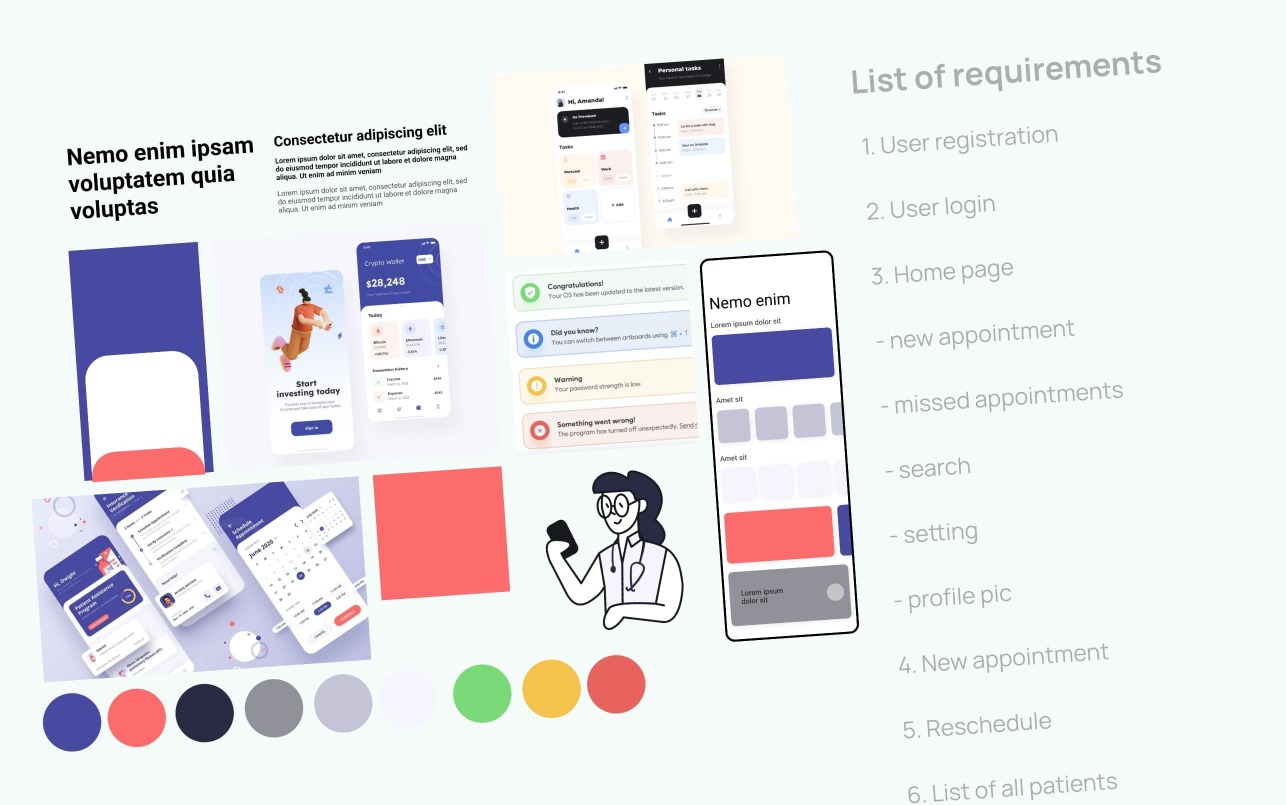
3. Gathering requirements, planning, and getting good inspiration online
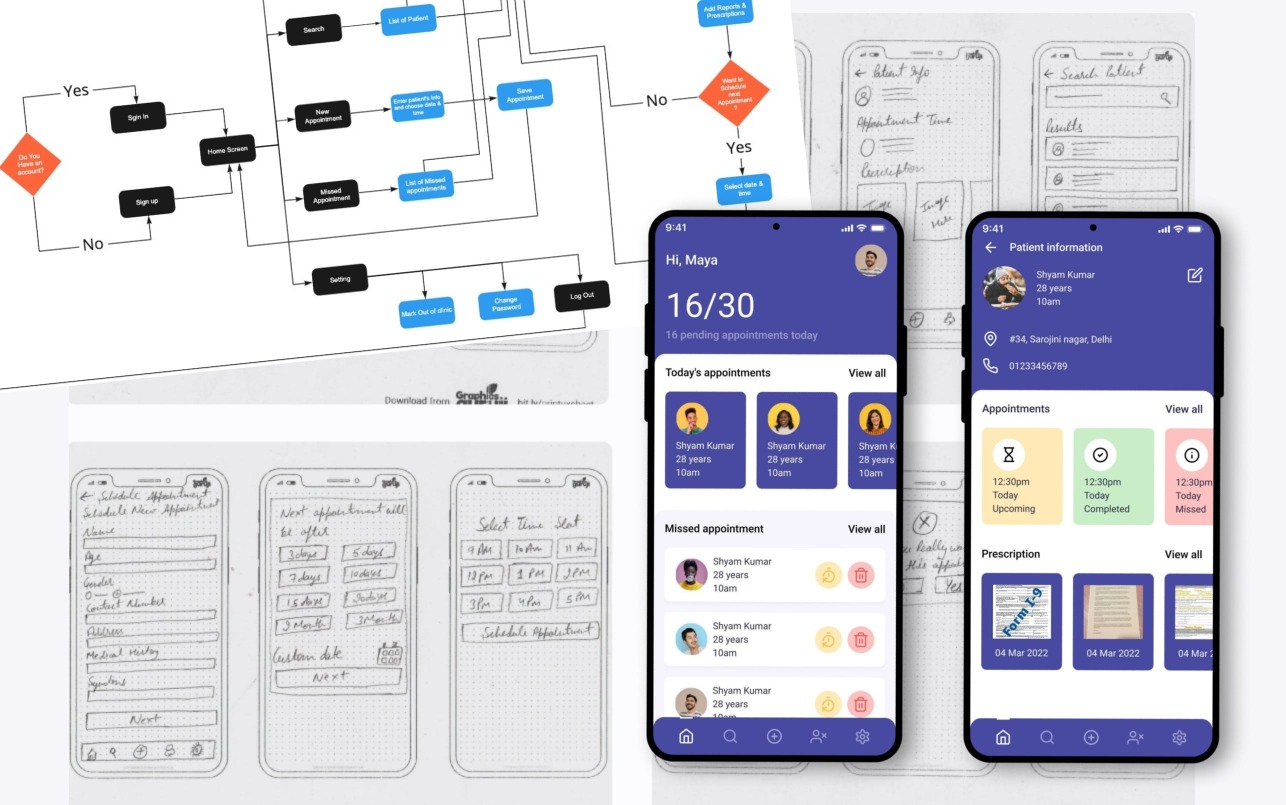
4. An App project in Figma. User flow diagram, low mid and hi-fi wireframes

5. Design system, Prototype, and animations. Sharing project with client and developer
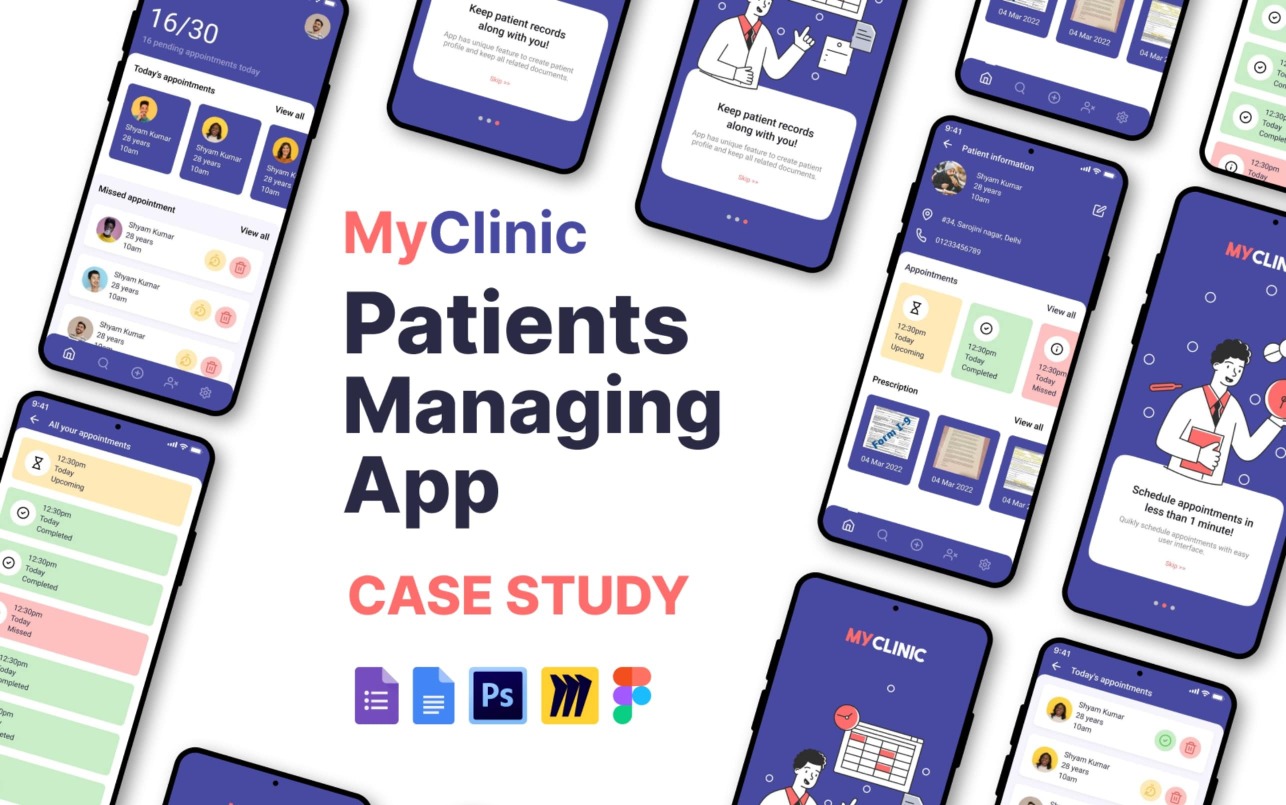
6. User case study of the App project, uploading on Behance portfolio
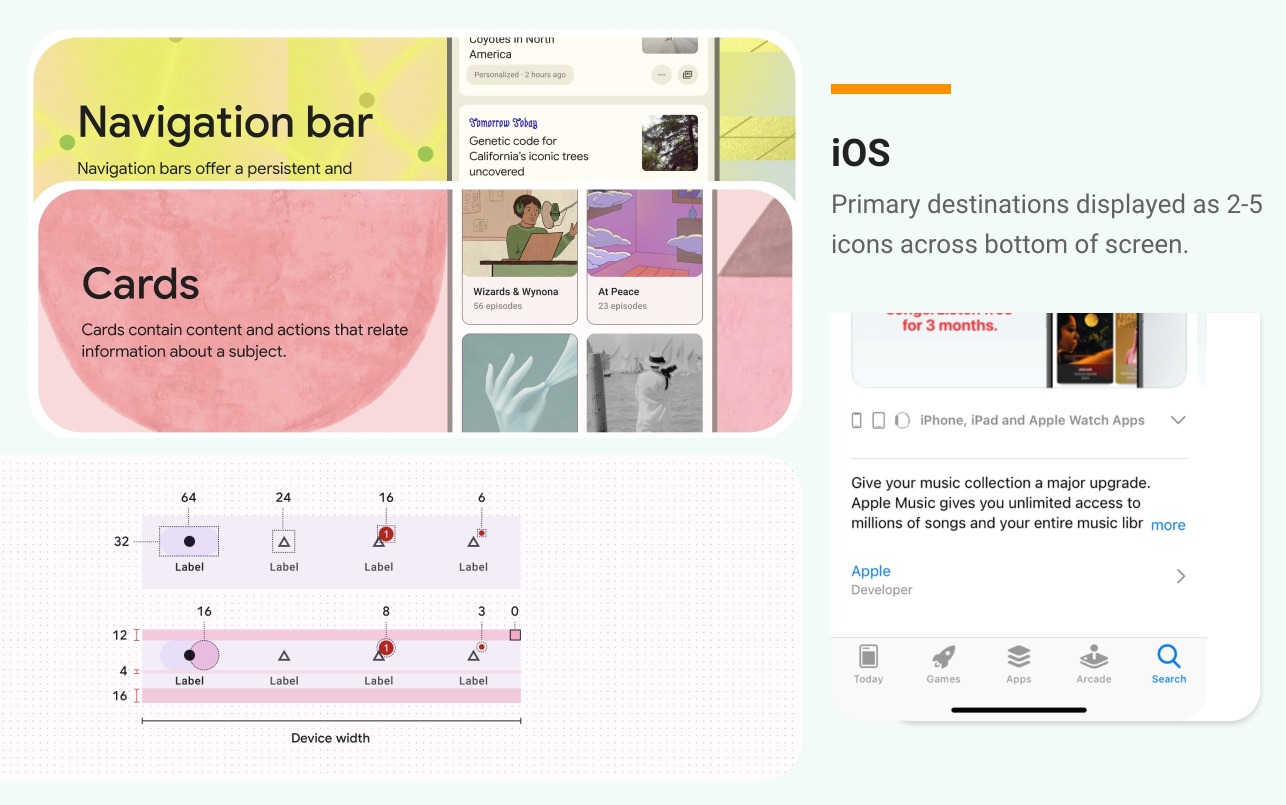
7. Learn about iOS, Android M3 design systems kits and how to use them for your projects.
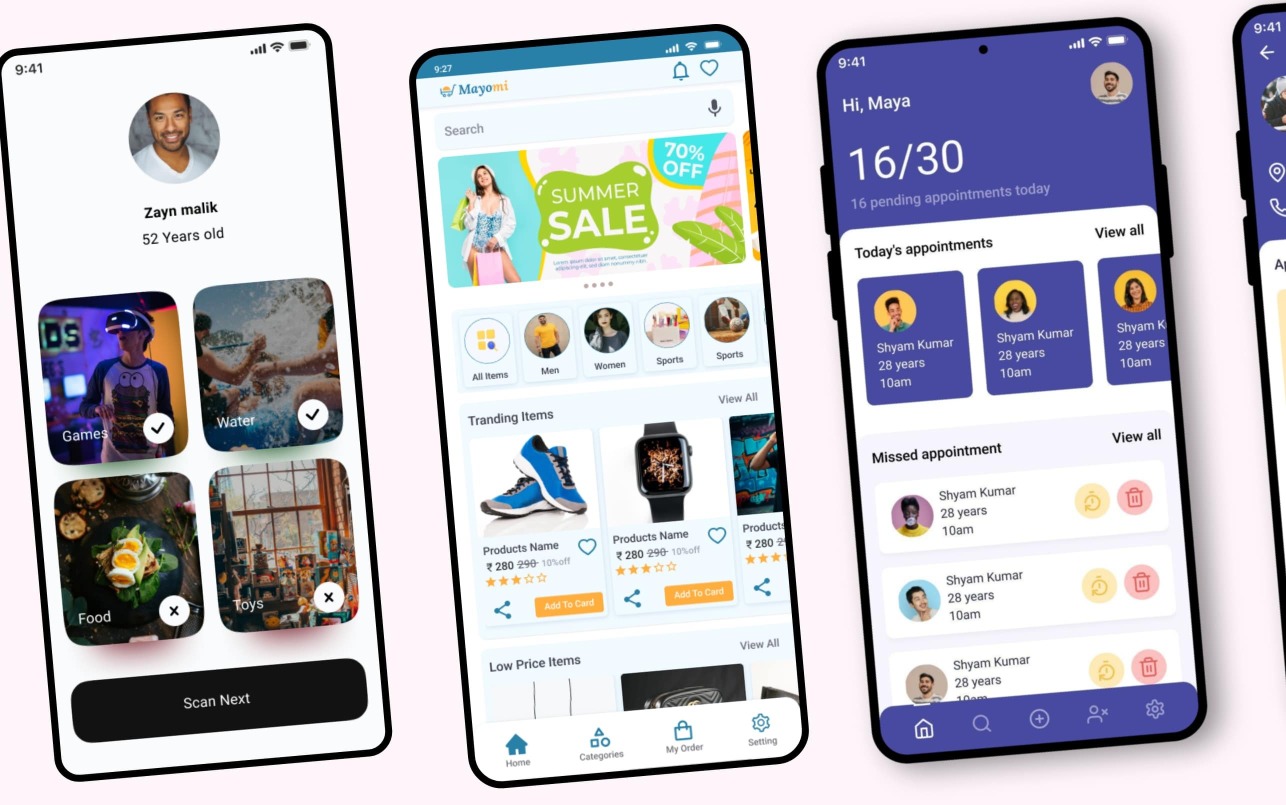
8. Complete 3 assignments along with my personal reviews until perfection.
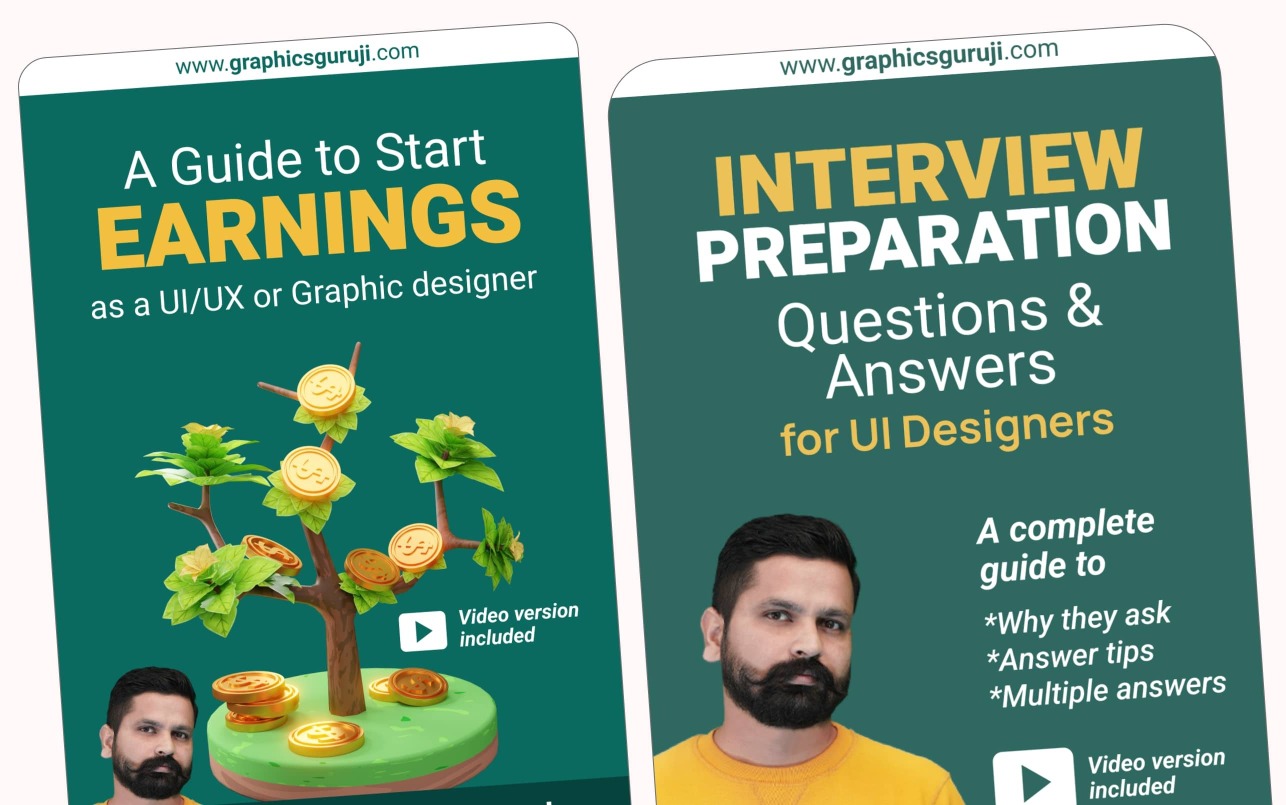
9. Interview preparation in every chapter. Various earning plans and tips in a special chapter.
New content. AI tutorials added. Learn Mobile app UI designs through various AI tools.

LIVE Workshops. We started conducting live workshops to keep you updated.
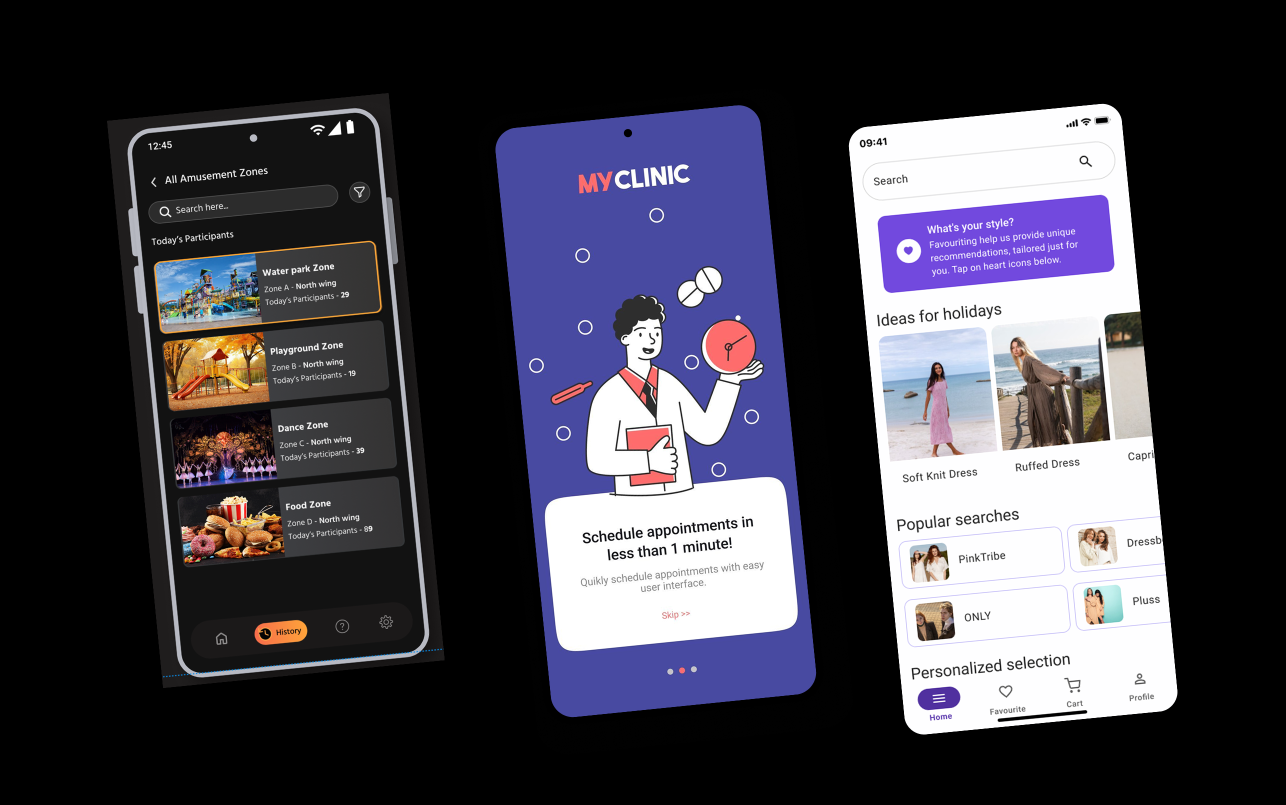
3 App projects. Learn Mob App UI designing through 3 projects using iOS and Material kits.
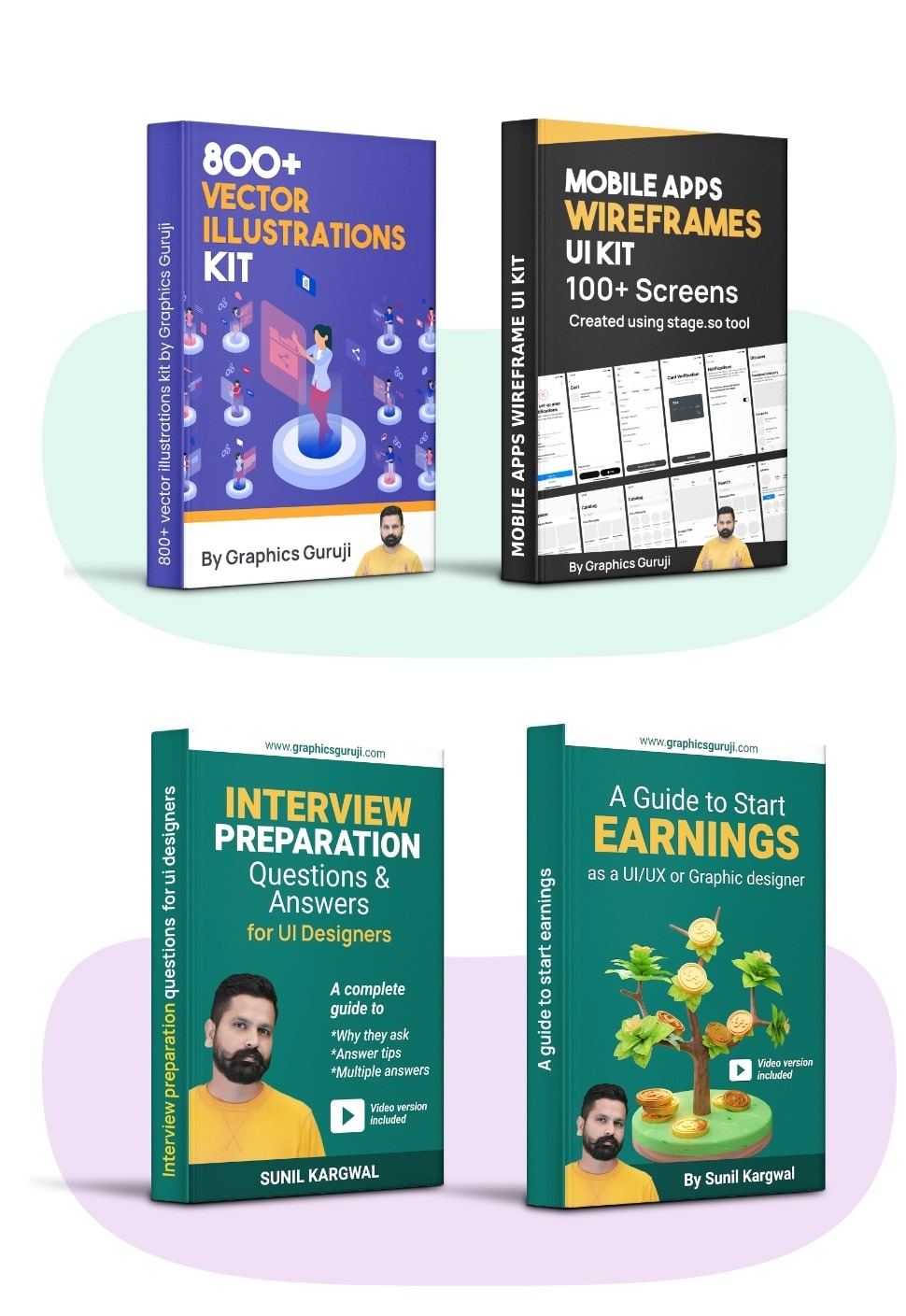
800+ ready-made illustrations for websites and Apps.
Q & A and personal assistance for interview questions.
A guide to knowing all earning methods after course and assistance.
Access to a big community to ask, share and review designs.
Yes, you will get an online course certificate from my IT company.
No, at this lowest-ever fee, I am trying to provide you with a quality course only. But, I pass job openings alerts frequently.
Yes, we have a community feature as well as WhatsApp support also at 8003344414.
Yes, the course has a special chapter on "how to create a portfolio on Behance". You will create a complete case study.
Yes, every chapter has special section "Interview questions". The course has a special chapter for the interview guide.
You will get access just after purchasing. You can access through our Android app, PC, laptop, or Apple MacBook. NOTE: You CAN'T access on iPhones.
Yes, I started the course with basics and then to the high level. So this course is for everyone.
Don't worry! This course has lifetime validity and pre-recorded chapter videos and notes. Learn whenever you get time.
 Launch your Graphy